

In the previous article we saw how to install and run jenkins on your linux machine. In this one we are running jenkins on a docker container.
First of all you need to update the source and install docker.
sudo apt-get update && sudo apt-get install docker.io
Run the container
sudo docker run -it -d -p 8080:8080 -p 50000:50000 --name=jenkins -v jenkins_home:/var/jenkins_home jenkins/jenkins:lts-jdk11
That's all. Now you have jenkins running on your docker container.
Your jenkins should be running on port number 8080 and you can access it by open a browser an enter localhost:8080 or click here
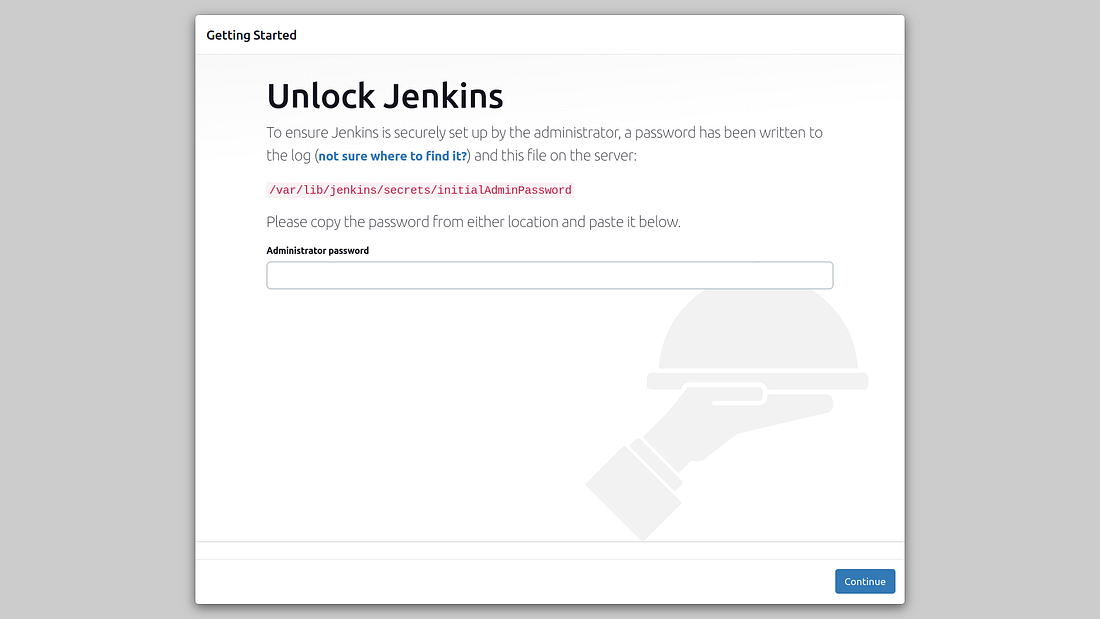
For password you can run:-
sudo docker exec -it jenkins cat /var/jenkins_home/secrets/initialAdminPassword
0 comments:
Post a Comment